Five Mistakes AI-Written Apps Ship With, and How to Check for Each
Written by the Rafter Team
An AI coding tool is good at one question: does this run? It is much worse at a second: can someone else read, change, or run something they should not? A prompt asks for the first, the demo shows the first, and the five mistakes below are what ship when nobody asks the second.
Each check takes a few minutes and needs no security background.
1. Secrets in client code
const supabase = createClient(
  'https://xyzco.supabase.co',
  'sb_secret_...' // a secret key, in code that ships to the browser
);
The shortest path to a working database call is to paste the key into the function that needs it. A secret is any value that lets its holder act as your app, such as an API key or a database password. Once it sits in frontend code, it ships in the JavaScript bundle, where anyone with dev tools can read it.
Check it yourself: run rafter secrets . in your project (free, no account; install below).
By hand, open your deployed site, go to the Sources or Network tab in dev tools, and search the JavaScript for sk_live, AKIA, or sb_secret_.
On Supabase, the publishable key (the older anon key) is meant to be public; the secret key (the older service_role key) is not.
If a real secret turns up, revoke it first: Secrets, API Keys, and .env Files, Done Right covers what to do next.
2. Database rows anyone can read
Ask an AI tool to "add a table for orders" and it will create the table and the query that reads it. It will often skip the rule for which rows each user may see, because that rule lives in the database, not in the code it just wrote.
On Supabase, that rule is row-level security (RLS): a per-table setting that limits each request to the rows a policy allows.
The browser talks to your database with the publishable key, so RLS is the only thing between a visitor and your tables.
Supabase's docs warn: "A table in an exposed schema without RLS is readable and writable by any role with a grant on it" (source).
And on existing projects, new tables in public grant select, insert, update, and delete to the anonymous role by default.
Check it yourself: in the Supabase SQL editor, run:
select tablename, rowsecurity
from pg_tables
where schemaname = 'public';
Any table holding user data that shows false is open to anyone who has your publishable key, which is anyone who loads your site.
Turning RLS on is one statement, such as alter table orders enable row level security;.
With RLS on and no policy, the API returns no rows, so your app will break until you write one.
The policy is where AI tools slip; our guide to RLS in vibe-coded apps walks through it.
3. Trusting whatever the user sent
// unsafe: user input becomes part of the SQL
const rows = await db.query(
  `SELECT * FROM invoices WHERE id = ${req.query.id}`
);

// safe: the driver sends the value separately
const rows = await db.query(
  'SELECT * FROM invoices WHERE id = $1',
  [req.query.id]
);
Both versions work on the input the model tried, and the unsafe one is shorter and common in the code it learned from.
The first is open to SQL injection: a crafted id can rewrite the query and read or delete other rows.
The same habit shows up after login, where redirect(req.query.next) sends users to any site an attacker puts in the link.
Check it yourself: search your code for queries built with template literals or +, and switch them to your driver's placeholder syntax ($1 for Postgres, ? for MySQL and SQLite).
For redirects, log in through a link with ?next=https://example.com (or whatever your app calls the parameter).
If you land on example.com, the redirect needs an allowlist of your own paths.
4. Auth enforced only in the UI
// the page checks for a session
if (!session) return <Redirect to="/login" />;

// the API route it calls does not
export async function GET() {
  const rows = await db.from('invoices').select('*');
  return Response.json(rows);
}
Ask for "a login page" and the model builds what you asked for: a login screen and a redirect for anyone without a session. The API route behind the page was often written in an earlier prompt, in a different file, with no check of its own. Anyone can call that route directly, without ever loading the page.
Check it yourself: open dev tools on a protected page, find the API request in the Network tab, and use "Copy as cURL."
Delete the cookie and authorization headers from the copied command and run it in a terminal.
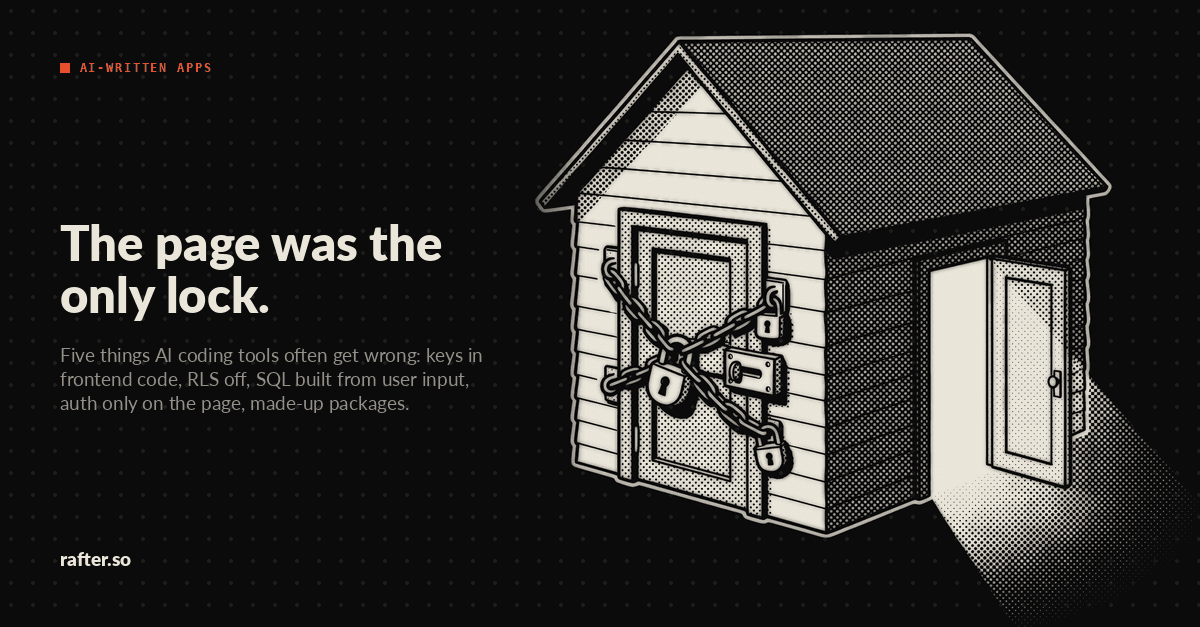
If data comes back, the page was the only lock.
Then do it once more while logged in as a second test user, with the first user's record ID in the URL.
If you get their data, the route checks that you are logged in but not whose record it is.
5. Outdated or made-up packages
A model suggests the package versions it saw in training, which may be years behind the release that fixed a known hole. Worse, models invent package names: one study of 576,000 generated code samples found 205,474 unique made-up names. If an attacker registers one of those names, the install succeeds and runs their code.
Check it yourself: before you install a package an AI tool suggests, look it up on npmjs.com or pypi.org and confirm it has a real history: months of releases, a linked repository, real downloads.
For what is already installed, npm audit or pip-audit lists packages with known vulnerabilities.
Before you ship
These five come from how the model works, so they show up whether the code came from Cursor, Claude Code, Lovable, Bolt, or Replit. For the full night-before list, including headers, error pages, and backups, see the pre-launch security checklist. For what to keep doing after launch, see the minimum viable security program for a solo founder.
Use Rafter to catch the first one every time
Mistake one is the one you can automate today. Rafter's CLI is open source and free, and its secret scan runs on your machine with no account and no API key.
npm install -g @rafter-security/cli   # or: pip install rafter-cli
rafter secrets .                      # scan the project for hardcoded keys
rafter agent install-hook             # scan staged changes before every commit
The commit hook stops a key before it enters git history, whether you or an AI tool staged it.
If you code with Claude Code or Codex, rafter agent init --with-claude-code or --with-codex adds hooks that rate each shell command the agent tries to run and stop risky ones, such as rm -rf / or curl | sh, before they execute.
Three commands, and the next key an AI tool pastes into your code stops at the commit.