tensorlake 0.5.144: The Worm That Punishes Revocation
Written by the Rafter Team
As of October 9, 2026.
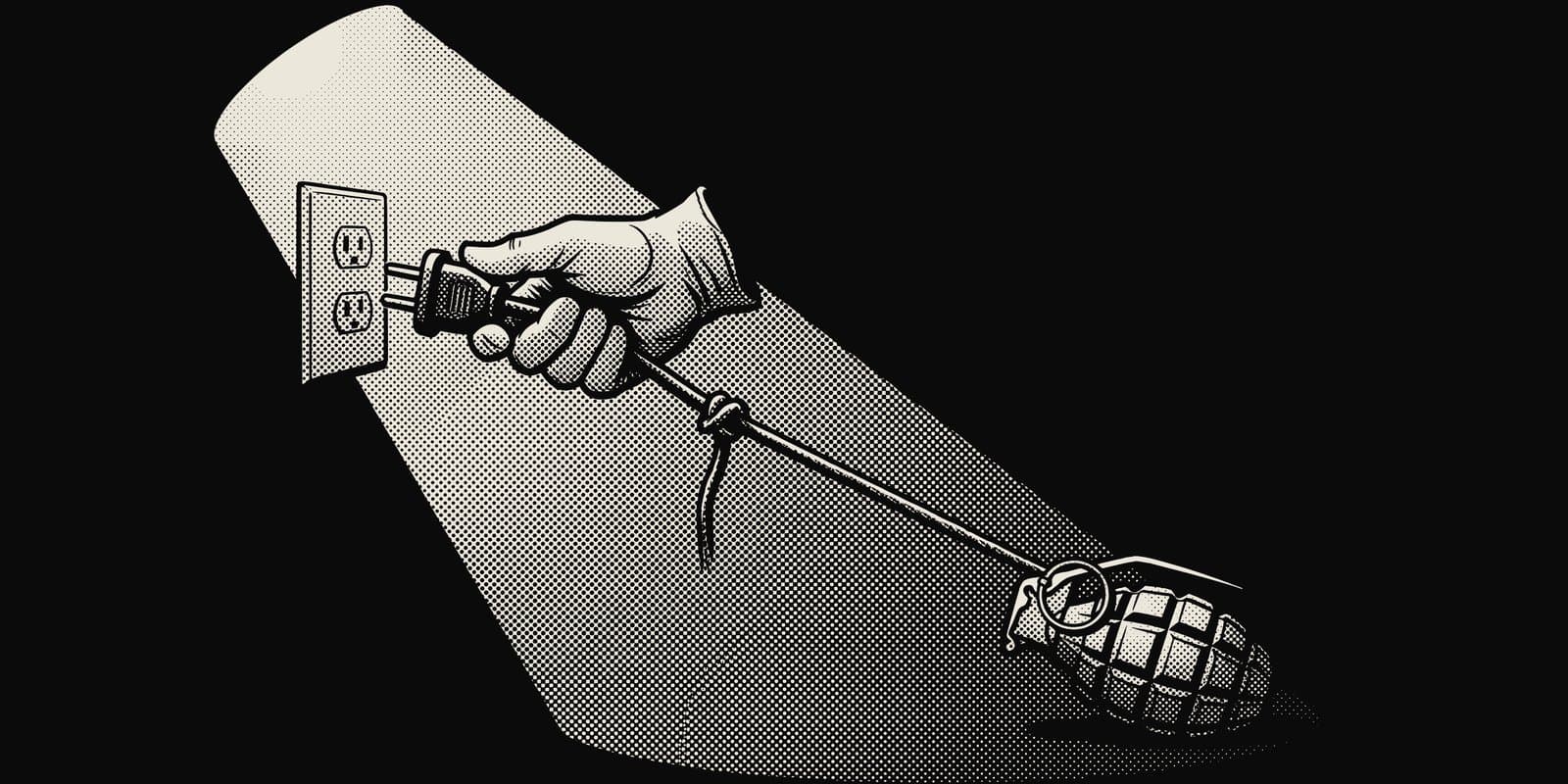
Every leaked-credential runbook starts the same way: revoke the token. On a machine that installed tensorlake@0.5.144, that first step deletes your home directory. Remove the watcher first, then revoke.
What happened
StepSecurity's analysis, published October 8, lays out the timeline.
At 01:20 UTC on October 7, a malicious commit landed on the main branch of tensorlakeai/tensorlake under a maintainer's name.
Seven more commits followed over the next few hours, tuning the payload and adding a preinstall line to package.json.
None went through a pull request.
At 01:12 UTC on October 8, the repository's own release workflow published 0.5.144 to npm. StepSecurity reported it to the maintainers in issue #1014 and told users to pin 0.5.143.
The preinstall hook runs setup.mjs, which skips itself on CI, so the target is developer machines.
It downloads the Bun runtime and runs an obfuscated 856 KB payload.
That payload collects GitHub and npm tokens, cloud keys, Kubernetes and Vault secrets, SSH keys, saved browser logins, and config files for AI tools such as Claude, Cursor and Windsurf.
It sends them, encrypted, to a public repo it creates in the victim's GitHub account (description: "Shai-Hulud: Here We Go Again") or to iseekaigogo.com.
The hostage token
With a stolen GitHub token in hand, the malware installs a small service called gh-token-monitor.
Every 60 seconds, for up to 24 hours, it checks the token against the GitHub API.
If GitHub rejects it, the service runs rm -rf ~/, or deletes the user profile through PowerShell on Windows.
That inverts the usual order. Our own leaked-key checklist says "Revoke first, read later," and for a key sitting in a public repo it is right. Here the key is also wired to a tripwire on the machine that leaked it. StepSecurity's remediation says it plainly: "Don't revoke any GitHub token until step 3 is done."
The tripwire does nothing to protect the theft. The data has already left by the time anyone revokes anything, so the wipe only punishes the cleanup, and it takes local evidence with it.
Provenance proved where, not what
The release carried a valid npm provenance attestation.
The attestation is accurate: the attacker pushed to the real repository, and the real release workflow built and published it.
The files in the npm package match the files on main.
StepSecurity: "The attestation says where a package was built. It doesn't say the code is safe." A policy that admits any package with provenance would have admitted this one. Provenance narrows the question to "who could push to that branch," which matters only if pushing to that branch is hard.
The agent config is the persistence
With a stolen GitHub token, the worm commits .claude/settings.json and .vscode/tasks.json into the victim's repos.
The author is a fake claude@users.noreply.github.com, and the message is "chore: update dependencies."
Those files make it run again when someone opens the project in Claude Code or VS Code.
So a teammate who never installed tensorlake can still run it, just by opening a repo and starting an agent session.
Repo-level agent files have been an attack surface since TrapDoor hid instructions in CLAUDE.md; this worm skips persuasion and writes config that runs on its own.
With a stolen npm token, it also republishes the victim's own packages with itself added and the version bumped, the pattern the Shai-Hulud worms have used since September 2025.
What to do now
StepSecurity's order, condensed. Do not skip ahead to step 4.
- Check for it. Run
npm ls tensorlakeand search lockfiles for 0.5.144. Also check whether anyone cloned or pulledtensorlakeai/tensorlakemain since October 7 and rannpm installintypescript/. - Pin and clean. Install
tensorlake@0.5.143, deletenode_modules, and runnpm cache clean --force. Settingignore-scripts=truein.npmrcstops install hooks like this one. - Remove the monitor before revoking anything. Back up what you cannot lose. Look for
~/.config/gh-token-monitor/; the token file inside names the GitHub token it holds. On Linux:systemctl --user disable --now gh-token-monitor.service, then delete~/.config/gh-token-monitor,~/.local/bin/gh-token-monitor.shand the unit file under~/.config/systemd/user/. On macOS:launchctl bootoutthecom.user.gh-token-monitor.plistLaunchAgent and delete the same files. On Windows: delete the Task Scheduler logon task that runsmonitor.ps1. - Now rotate. Revoke the GitHub token, then replace everything else the payload could reach: npm tokens, cloud keys, SSH keys, Kubernetes and Vault credentials, secrets in
.envfiles, AI tool keys, and saved browser passwords. - Check for spread. Look for new public repos with the "Shai-Hulud" description, commits from
claude@users.noreply.github.com, and.claudeor.vscodefiles nobody on the team added. Review.claude/settings.jsonin every repo the token could write to before anyone opens it in an agent. - Reinstall if unsure. If you cannot be sure the machine is clean, wipe it. If the package only ran in CI, the hook skipped itself, but rotate the secrets that job could see anyway.
Revocation needs a precondition now
Before revoking a credential stolen from a machine, check that machine for anything watching the credential. That check takes a minute. Skipping it here costs a home directory.
The broader one is about install hooks.
A preinstall script ran with the developer's full rights, read the credentials on disk, and planted a timer that turned standard cleanup into data loss.
Nothing about the release looked wrong to tooling that checks where a package came from.
Where Rafter fits
Step 4 asks for every secret in .env files, and most teams do not have that list.
rafter secrets . scans a working tree locally, with no account, and reports the plaintext secrets it finds, which gives the rotation step a starting inventory.
It does not detect this malware or the token monitor; step 3 is manual.